GoHighLevel automation is the workflow builder inside HighLevel’s CRM (GHL, or Go High Level in full): you pick a trigger, such as a form submission or a missed call, and the workflow runs a chain of actions like sending an SMS, waiting a day, then moving the lead to a new pipeline stage. It lets you automate lead follow-up, appointment booking, reminders and review requests that used to need separate SMS, email and scheduling tools, and it doesn’t require code.
What it doesn’t do is set itself up. The builder exposes a lot of options at once, usage charges sit on top of the subscription, and AI steps have their own billing. This guide covers how GHL workflows work, the automation examples worth building first, and where the platform slows you down.
What is automation in GoHighLevel?
Automation in GoHighLevel means workflows, and the workflow automation GoHighLevel offers is the core of the GHL CRM. HighLevel describes a trigger as “an event that sets your workflow into motion” and an action as “the task performed in response to a trigger.” You can add multiple triggers to a single workflow, which is how one workflow handles a contact who fills out a form, a Facebook lead ad and a chat widget lead with the same follow-up.
How GHL workflow automation uses triggers and actions
HighLevel’s help center lists triggers in more than a dozen categories: contact, events, appointments, opportunities, payments, courses, ecommerce stores, IVR, Facebook and Instagram events, communities, communication and Google Ads among them. In practice, agencies build most workflows on a handful:
| Trigger | Typical automation |
|---|---|
| Form submitted | New lead follow-up and lead nurturing sequence |
| Customer booked appointment | Booking confirmation and appointment reminders |
| Pipeline stage changed | Task for the sales rep, client onboarding sequence |
| Customer replied | Stop the sequence, notify a human |
| Payment received | Receipt, course access, onboarding email |
| Call details (missed or unanswered) | Missed Call Text Back |
Actions cover communication (SMS, email, WhatsApp, Slack, live chat), contact management (tags, field updates, assignment), internal logic (if/else, wait, split testing), opportunities (create or move a deal in the sales pipeline), payments (Stripe charges, invoices), IVR call handling, and data steps like webhooks and Google Sheets. The workflow builder strings these together on a visual canvas. You can also trigger on engagement, so actions like link clicks or email opens can move a contact into a different branch.
Pre-built workflow recipes and templates
You don’t have to start from a blank canvas. HighLevel ships pre-built workflow recipes and a template library, and agencies that serve one niche often save their best automation workflows into a snapshot so every new client sub-account starts with the same setup. GoHighLevel templates covers what’s available and how much editing a template needs before it’s client-ready.
GoHighLevel automation examples to build first
Most of the time an agency saves comes from a short list of workflows built well. These are the ones that show up in nearly every account.
Missed Call Text Back. The trigger is a missed inbound call; the action is an automatic SMS like “Sorry we missed you, how can we help?” For a home services company or a dental office that can’t answer every call, it turns a missed call into a text conversation, which is the kind of missed opportunity that used to go to a competitor. It’s a single trigger and a single action, the simplest thing to automate, so it’s also the easiest way to learn how the builder behaves.
New lead follow-up. A form submission or lead ad creates the contact, then the workflow will automatically send an SMS right away, an email a few minutes later, and a second follow-up the next day if there’s no reply. The point is to respond instantly, because speed to lead affects conversion rates more than anything you write in the third email. A “customer replied” trigger in a second workflow stops the sequence and alerts a human.
Appointment reminders. When a contact books through the calendar, the workflow sends a booking confirmation, a reminder the day before and another an hour before, each with a link to reschedule. Fewer no-shows, and nobody on the team has to make reminder calls.
Pipeline automation. Workflows automate pipeline management too. Moving a deal to “Proposal sent” can create a task, start a follow-up sequence and notify the account owner. Workflows can also automatically move leads to the next pipeline stage when they book or pay, which keeps pipeline data accurate without manual tracking in a spreadsheet.
Review requests and re-engagement. A few hours after a job closes, a workflow asks for a Google review. For contacts who went cold, a re-engagement sequence can check back in after 60 or 90 days. Reviews AI can respond to reviews with drafted replies if you want to automate that step too, at $0.01 per review on pay-per-use.
None of these are exotic. Together they replace the repetitive, time-consuming tasks that eat a front-desk person’s day, like sending an email confirmation by hand or chasing a lead nobody called back, and they run the same way at 50 contacts or 5,000. That’s how automation saves hours: consistency at volume, in a multichannel setup where SMS, email and calls share one CRM record.
How do you build a workflow in GoHighLevel?
Go to Automation, then Workflows, and create a new workflow from scratch, from a recipe or from a template. Add a trigger and set its filters so it only fires for the right contacts (for example, form submitted where the form is “Free estimate”). Add actions below it, insert wait steps between messages, and use if/else branches for different outcomes.
Two newer options make this faster. The Workflow AI Builder lets you describe a goal in plain language and generates the triggers and actions for you to review and edit; HighLevel lists it as free under fair-use limits. And workflows can be saved as drafts, tested with a test contact, then published.
A few settings trip people up. Check whether contacts can re-enter the workflow, set the sending window so texts don’t go out at 2 a.m., and make sure merge fields like first name have a fallback. Those are the details that make a workflow look right in the editor and fail on a real new lead.
Is GoHighLevel difficult to learn?
Yes, more than its marketing suggests. The individual pieces are simple, but the platform covers CRM, funnels, calendars, email, SMS and AI in one place, so a new user has to learn what to ignore. Community consensus puts real proficiency at 60 to 90 days, and the learning curve is the most common complaint in reviews. Automate one small thing first and add complexity once it runs cleanly; that’s the fastest path. If you’d rather pay for expertise, a HighLevel Certified Admin has passed a hands-on practical exam on exactly this kind of backend work, and how to use GoHighLevel walks through the rest of the platform your workflows plug into.
Where AI fits into GoHighLevel automation
AI shows up in three places, and each is billed differently. Get this right before you promise a client “AI-powered” anything.
| AI feature | What it does | How it’s billed |
|---|---|---|
| Workflow AI Builder | Builds a workflow from a plain-English prompt | Free, with fair-use limits |
| Premium Workflow AI actions | Decision Maker, Intent Detection, Summarize Text, Translate | $0.01 per execution (bulk Workflow Pro plans available) |
| Conversation AI and Voice AI | Answer chats and calls, qualify leads, book appointments | Pay-per-use, or included under AI Employee Growth ($50/mo) or Unlimited ($97/mo) per sub-account |
None of this is bundled free into a plan tier. Voice AI on pay-per-use costs a $0.045/min engine fee plus text-to-speech from $0.015/min plus LLM tokens, plus normal phone minutes. AI Employee Unlimited covers Conversation, Voice, Reviews and Content AI under fair use, but Agent Studio stays pay-per-use and phone charges still apply.
Before you automate conversations with AI, layer it onto a workflow you’ve already run manually. An Intent Detection step that routes “I want a quote” to sales and “where’s my invoice” to support works well when you know what those conversations look like. A Voice AI agent booking appointments on day one, before anyone has scripted the common objections, is how agencies end up with a bot that mishandles calls.
What slows automation down in practice
Cost is the first surprise. Workflows are included on every plan, but every SMS a workflow sends costs $0.00747 per segment in the US and Canada plus carrier fees, and LC Email runs $0.675 per 1,000 emails. A nurture sequence that sends six texts to 2,000 new leads a month is roughly 12,000 segments before replies. Rebilling that usage to clients at cost starts on the Unlimited plan; marking it up, or rebilling AI, requires Agency Pro. GoHighLevel’s pricing tiers show what each plan includes.
Email deliverability is the second. LC Email runs on Mailgun, and users report automated emails landing in spam when a sending domain isn’t set up and warmed properly. A nurture sequence that lands in spam fails quietly, so check deliverability before you trust the open-rate numbers.
The third is debugging. When a workflow misfires, the execution history shows each contact’s path, and the HighLevel support portal has an article for nearly every trigger and action. Most failures come down to a trigger filter that’s too broad or too narrow.
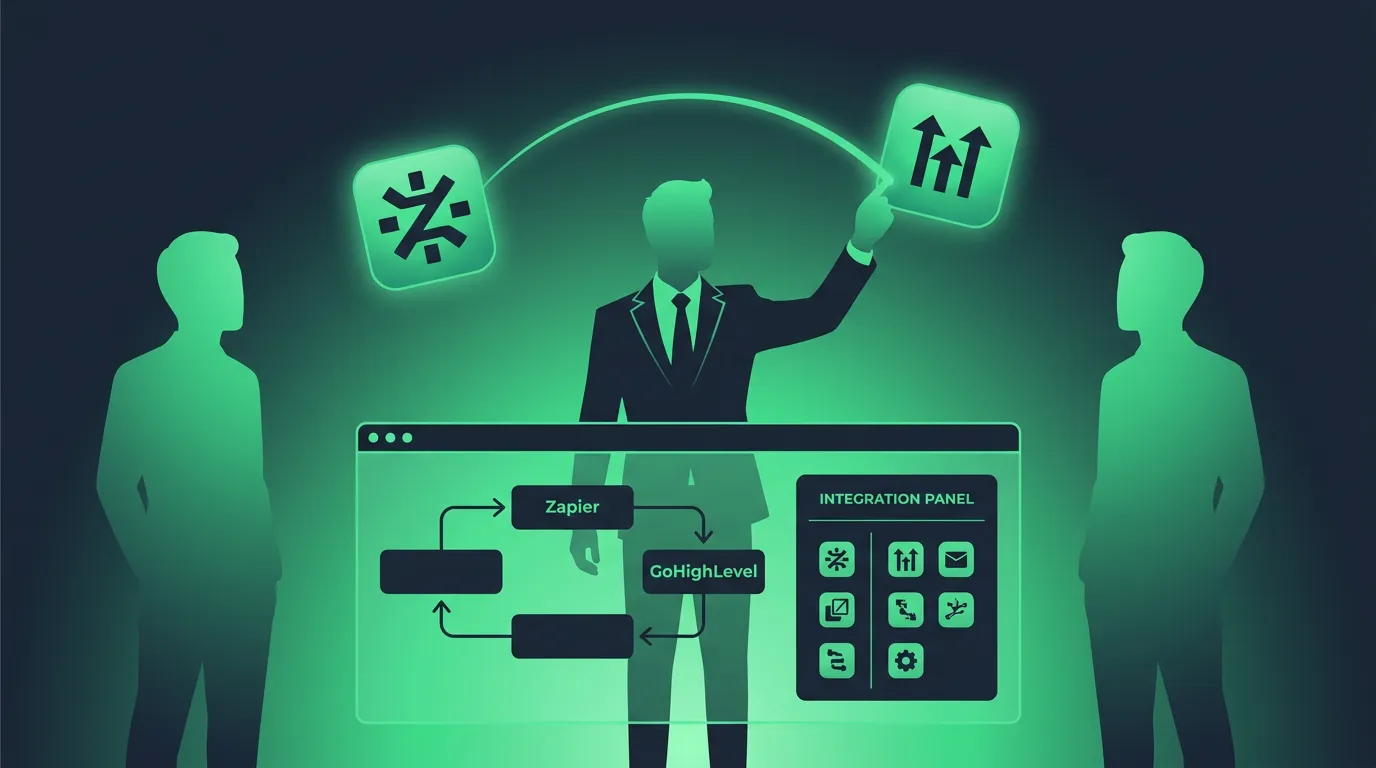
Extending automation with Zapier and webhooks
When a tool isn’t covered natively, custom automation fills the gap. Workflows can send data out through webhooks or Google Sheets actions, and Zapier or Make can pass data in and out. That’s how agencies connect GHL to accounting software, niche booking systems or a client’s internal tools. Native connections are faster and more reliable than a Zapier hop, so check GoHighLevel integrations before building a workaround for something HighLevel already supports.
Is there anything better than GoHighLevel for automation?
For pure email marketing automation, ActiveCampaign is more focused: it’s built around email automation with a library of pre-built recipes, and it doesn’t ask you to learn funnels, calendars and SaaS Mode along the way. For gluing many separate tools together, Zapier and Make are more flexible. Tools like GoHighLevel win when you want sales and marketing automation tied to one CRM record, one sales pipeline and one calendar, so a missed call, a booking and a review request all see the same contact. For agencies running that across many clients, the realistic alternative is four or five subscriptions and a Zapier bill.
Scaling automation across client accounts
Scaling is where GoHighLevel automation pays off most. Build a strong set of workflows once, save it as a snapshot, and every new client sub-account starts with the same onboarding sequence, reminders and follow-up. Agencies on Agency Pro can go further and resell the whole setup under their own brand through white-label SaaS Mode. For a solo business, the same five workflows save time every week and help you grow your business without hiring a coordinator. For an agency they save hours per client, which is why the platform is built around agencies.
If you write about or teach this, automation tutorials are some of the best-converting content for the GoHighLevel affiliate program. For the full picture of where the platform holds up and where it falls short, read our GoHighLevel review.