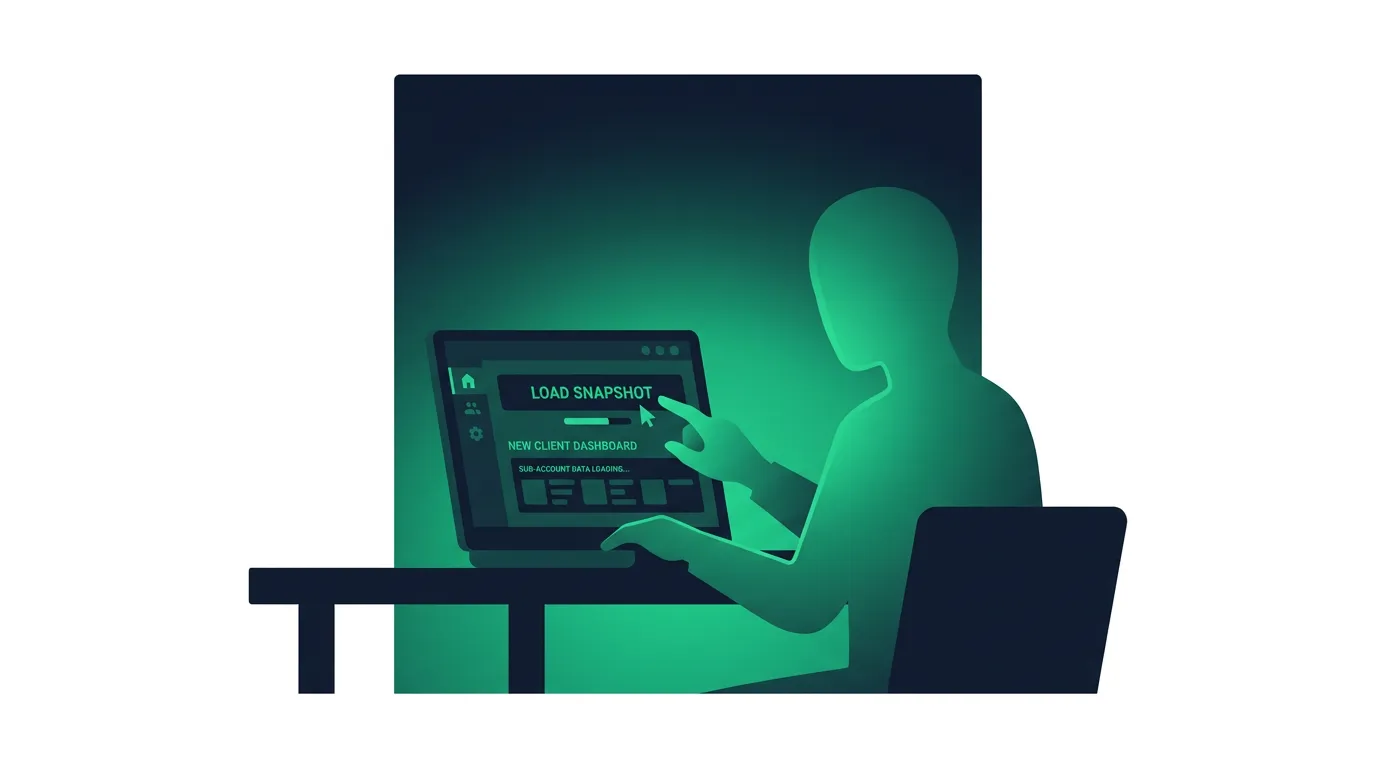
A GoHighLevel snapshot is a saved copy of a sub-account’s setup that you can load into any other sub-account, so a new client starts with your funnels, workflows, pipelines and calendars already built. It copies configuration only. Contacts, conversations and appointments stay where they are.
That makes snapshots the main reason agencies can onboard the tenth dental practice or roofing company in an afternoon instead of rebuilding the CRM, pipelines and automation by hand. The use case is simple: save time on the parts of onboarding that look the same from client to client, and standardize how every new account is built. Below is what a snapshot includes, how to create, load, share and update one, where to find ready-made GHL snapshots, and the mistakes that turn the shortcut into cleanup work.
What is a GoHighLevel snapshot?
Think of it as a template for an entire account rather than a single page. A funnel template gives you one funnel or a few landing pages. A snapshot gives you the funnel plus the workflow that follows up on leads from it, the pipeline those leads move through, the calendar they book on, and the email and SMS templates the automation sends.
The HighLevel support portal lists every asset type a snapshot can carry. The main ones:
| Included in a snapshot | Not included |
|---|---|
| Funnels, websites, blogs and WordPress sites | Contacts and contact associations |
| Workflows and campaigns | Conversations and message history |
| Pipelines, tags and custom fields | Appointments |
| Calendars and forms | Reputation data and reviews |
| Email templates and WhatsApp templates | Assigned phone numbers |
| Memberships, certificates and documents | Stripe and other third-party connections |
| Dashboards, knowledge bases, design kits | Private dashboards |
| Review settings and ad campaigns (Google, Meta, LinkedIn) | Live account activity |
Newer HighLevel features have been added over time. The help center has separate articles on carrying custom objects, Conversation AI bots, Voice AI agents and Agent Studio agents through a snapshot, so AI agent setups can now be cloned along with the rest of the account.
The excluded column matters as much as the included one. A snapshot is a template of how an account is built, and it can’t back up or migrate a client’s data. If you need to move contacts and history, that’s a separate export and import. Integrations also need reconnecting in every account: a snapshot can carry a workflow that posts to Stripe or Google, but the new sub-account has to connect its own Stripe account and Google calendar before that workflow works.
How to create a GoHighLevel snapshot
Start with a source sub-account that no client will ever use, never a live account. Snapshot creation copies whatever assets you select from the source, so stray test workflows and abandoned funnels come along if you leave them there. This is your template for one niche: pipeline stages named for how that industry sells, workflows that match how it follows up, a funnel with placeholder copy, and custom values for things like business name and phone number so each client’s details drop in cleanly.
Test it before you capture it. Run a lead through the funnel, check every workflow fires, and book a test appointment. Then go to Agency View, Account Snapshots, click Create New Snapshot, choose the source account, and select the assets to include. HighLevel lets you pick assets selectively, so you can build a snapshot that carries only the workflows, say, rather than the whole account.
Name it properly. “Snapshot 3” means nothing in a year. “HVAC lead gen v2” tells you the niche and that it’s been improved once.
How to load a snapshot into a sub-account
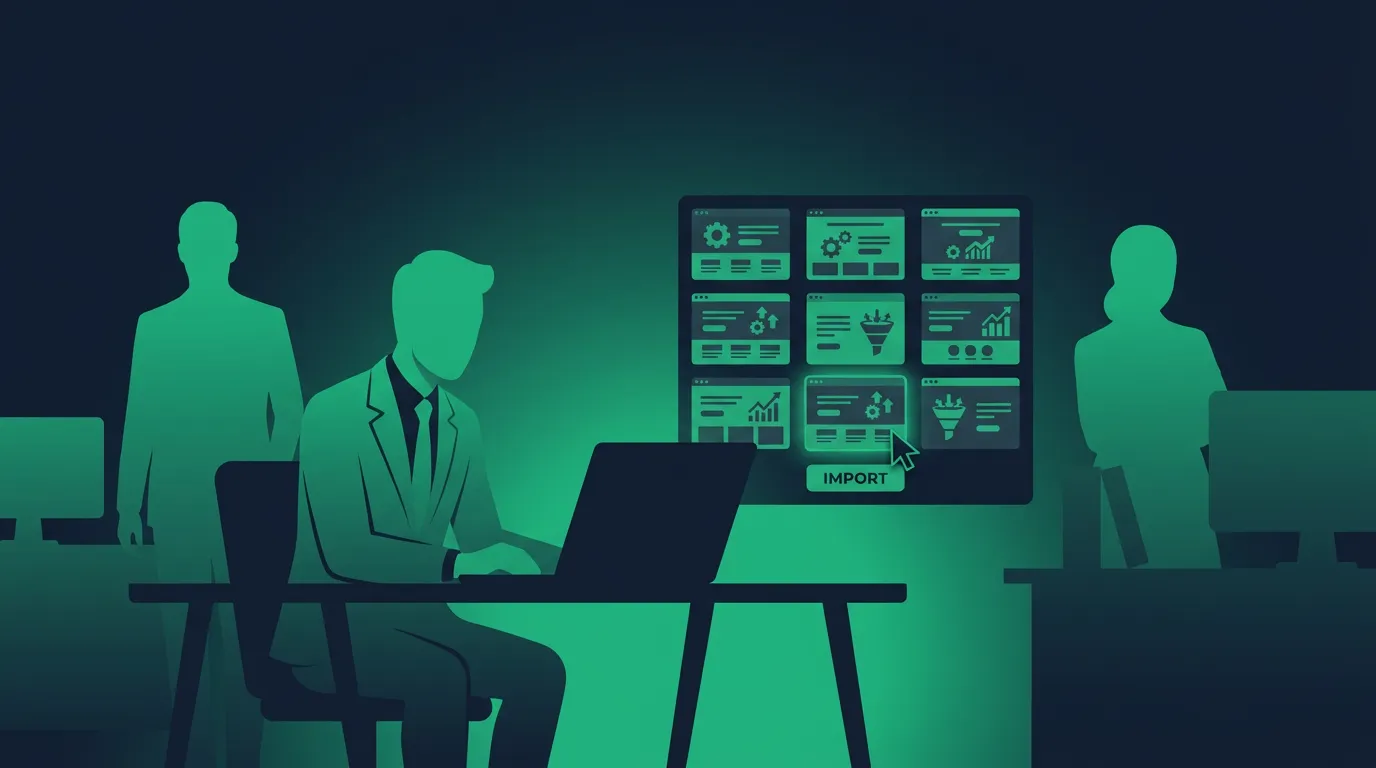
There are two routes. The clean one is picking the snapshot directly while creating a new sub-account from the HighLevel dashboard, so the account exists with its full setup from the start. It’s the fastest way to launch new client accounts the same day a contract closes. HighLevel also supports loading one snapshot into multiple sub-accounts at once, which helps when you roll a new standard setup across a client base.
The second route is loading into a sub-account that already has content. HighLevel’s docs say loading “is intended to add selected assets,” and existing data is only affected when you choose to override a conflicting asset during the load. You get to review conflicts first. Loading a snapshot won’t delete a client’s contacts, but it can leave you with two similar workflows if you add without checking what’s already there, so look over the account afterward.
Every loaded account still needs a quick test: a lead through the funnel, a booking on the calendar, a check that the phone number and email sending domain are set up for that client.
How to update HighLevel snapshots after you change them
Snapshots don’t sync themselves. If you improve a workflow in the source account, the snapshot keeps the old version until you refresh it. In Account Snapshots, click the Refresh icon beside the snapshot and pick the new or changed assets.
After a refresh, HighLevel’s Push Update option sends selected assets (just the workflows, for example) to the sub-accounts you choose. HighLevel describes the update as selective and non-destructive, and if you’ve removed a workflow step, contacts waiting on that step are cleared so they don’t get stuck. Push updates only reach sub-accounts inside your own agency. An outside agency that imported your snapshot has to re-import it from a new link.
Where to find GHL snapshots
You have three sources. HighLevel itself provides a library of pre-built industry snapshots; its pricing page FAQ mentions examples for real estate, dentists and gyms, and the help center has its own setups such as a hair salon snapshot. These official GHL snapshots come with the platform and are a fair, ready-to-use starting point, though generic.
The second is the HighLevel App Marketplace, where agencies list snapshots for sale with a checkout and description, which is the closest thing to an official GoHighLevel snapshot marketplace. The third is independent snapshot stores and sellers such as thesnapshotmarketplace.com, which sell done-for-you niche builds: real estate snapshot bundles, mortgage snapshot packs, HVAC and roofing lead follow-up, med spa booking setups, reputation management sequences.
What’s the difference between free and premium GoHighLevel snapshots? Usually depth and support. Free ones give you a working skeleton. Paid ones from a seller who works in that niche tend to include tested copy, longer email sequences and some help after purchase. Before buying, ask for a demo account or video walkthrough, check whether updates are included, and confirm whether you can load one purchase into several client accounts. Whether a paid snapshot carries recurring fees depends on the seller, since HighLevel doesn’t set marketplace pricing.
Are they plug-and-play? Rarely. Expect to customize copy, the client’s brand colors and logo, calendar availability and phone numbers for each account. Everything a snapshot loads is fully customizable once it lands in the sub-account, and nothing is locked to the original seller’s setup.
Sharing snapshots and selling them in the App Marketplace
HighLevel gives you six ways to share a snapshot: a permanent link for repeated imports, a one-time link, an email link, an agency-restricted link, a sub-account-restricted link, and a Marketplace share link. The recipient imports it into their agency snapshot library and loads it from there.
If you’re handing your work to someone else, turn on assets protection. Protected assets can be used inside the recipient’s agency but can’t be redistributed or resold to another agency, and Marketplace share links apply that protection automatically. To sell one publicly, open the snapshot’s action menu and choose Sell on Marketplace to start a listing.
Selling snapshots in the App Marketplace is a real side business for some agencies, especially those that have built a proven system for one niche. A good snapshot listing shows what the entire snapshot contains, who it’s for and what the buyer still has to set up. It works best when the snapshot comes with setup instructions and some support, because a buyer who can’t get it running will ask for a refund.
Which GHL agency plan do you need for snapshots?
HighLevel’s pricing page doesn’t tie snapshots to a specific agency plan, and its help docs on creating and sharing snapshots don’t list a plan requirement either. The practical limit is sub-accounts. Starter ($97/month) includes three, so you can build a template account and load it into two clients, and that’s it. Unlimited ($297/month) and Agency Pro ($497/month) have no sub-account cap, which is where a snapshot library starts paying for itself and onboarding becomes scalable: every new GHL client account starts from the same tested build. On Agency Pro you can also attach a snapshot to each SaaS plan so new subscribers get it automatically; see our guide to GoHighLevel SaaS mode. For everything else each tier includes, see GoHighLevel’s pricing tiers.
Mistakes agencies make with HighLevel snapshots
The first is building one do-everything snapshot and forcing it on every client. A dental practice and a roofing contractor don’t follow up on leads the same way, and stretching one setup across both means rebuilding half of it after each load. A small library of niche snapshots works better than one master template, and every snapshot in it should have a clear owner on your team.
The second is never updating. Client feedback and new HighLevel features should flow back into the source account, with a new version number each time, so you can tell which clients are on v1 and which are on v3. Refresh and push make this manageable now.
The third is skipping the post-load test. A broken webhook or a calendar with no availability fails silently until a real lead falls through.
The fourth is treating a snapshot as a backup. It can’t restore contacts or conversations, so it won’t protect a client’s data.
Frequently asked questions
Can I use the same snapshot more than once?
Yes. One snapshot can seed as many sub-accounts as your plan allows, and you can load it across multiple accounts in one go. Each loaded copy is independent, so editing one client’s workflow doesn’t change the snapshot or any other client.
Will loading a snapshot delete contacts or existing client data?
No. Snapshots don’t carry contacts, conversations or appointments, and loading only adds assets. Existing assets change only if you choose to override a conflict during the load.
What’s the difference between importing and loading a snapshot?
Importing puts a shared snapshot into your agency’s snapshot library, usually from a share link someone sent you. Loading applies a snapshot from that library to a specific sub-account. You import once and load many times.
Do I need a GoHighLevel account to use snapshots?
Yes. A snapshot only works inside HighLevel. If a seller offers you a snapshot and you don’t have a GHL account yet, you’ll need one first, which is why many snapshot sellers also promote their affiliate link for the trial.
Can I share a snapshot with another agency?
Yes. Generate a permanent, one-time, email or agency-restricted share link from Account Snapshots and send it over. The other agency imports it into its own HighLevel account and loads it into its new sub-accounts from there. Turn on assets protection first if you don’t want it passed on.
How do I choose the best GoHighLevel snapshot for my niche?
Start from the client’s sales process. A good snapshot for a niche matches how those businesses get leads, book appointments and follow up across the customer lifecycle. Check the pipeline stages, the follow-up timing and the funnel copy in a demo before you buy, and prefer sellers who actually work in that niche. Snapshot installs are quick; reworking a bad fit takes longer than building your own.
Are snapshots mobile-responsive?
A snapshot copies funnels and websites exactly as they were built, so mobile layout depends on how the source pages were designed. Check every page on a phone before you load a purchased snapshot into a client account.
How snapshots fit with templates and the rest of GoHighLevel
GoHighLevel templates cover single assets: one funnel, one website, one workflow recipe. A snapshot bundles those with the pipelines and automation around them. Most agencies use both, pulling templates into a source account and then capturing the finished account as a snapshot.
If you’re new to the platform, learn how to use GoHighLevel before building your first snapshot, because a snapshot only copies what you know how to build. The HighLevel Certified Admin program is the formal route to that knowledge, and GoHighLevel’s affiliate program is how some snapshot sellers earn on the accounts their buyers open. For the full picture of where snapshots sit among HighLevel’s strengths and weaknesses, read our GoHighLevel review.