Yes, GoHighLevel is a CRM. Its contact database, pipelines and opportunity records sit at the center of the platform, and every other tool (funnels, calendars, email and SMS marketing, reputation management) reads from and writes back to that same record. What makes the GoHighLevel CRM different is how it’s sold: as one part of an all-in-one marketing platform that combines CRM, funnels and messaging, with no CRM-only plan, starting at $97/mo.
This page covers what the CRM actually does in 2026, what it costs, where it beats HubSpot and other CRM systems, and where it doesn’t. Around the community it’s usually called GHL or HighLevel, and you’ll see all three names in reviews and help docs.
Go High Level CRM features in 2026
The GoHighLevel CRM is built to manage customer relationships for a sales and marketing team in one place. Every plan includes unlimited contacts and unlimited users, which matters more than it sounds once you compare it to CRMs that charge per seat or per contact tier. Contacts arrive from forms, funnels, landing pages, phone calls, chat widgets, Facebook and Instagram messages and any connected integration. From there they get tagged, scored and routed into pipelines by rules you set in the workflow builder.
The core CRM records are contacts, companies and opportunities (deals), with tasks, notes and an activity timeline on each contact. Custom fields hold whatever matters to the business, such as property size, insurance provider or event date. Since 2025, custom objects are available on every plan, up to 10 per sub-account, so a real estate team can track properties or a gym can track memberships as their own records with associations back to contacts and opportunities. That closes much of the gap that used to separate GoHighLevel from HubSpot and Salesforce on data modeling.
Pipelines, opportunities and deal stages
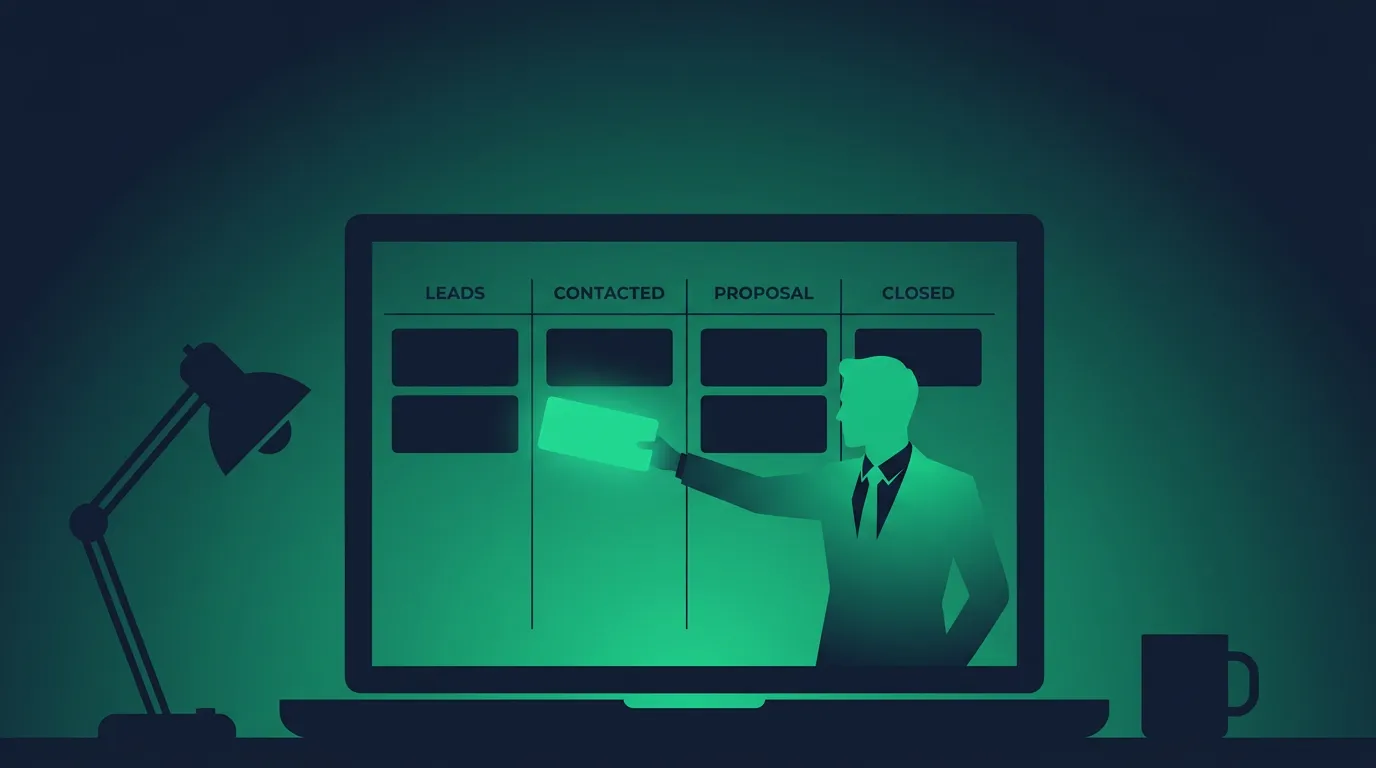
The pipeline view is a drag-and-drop board: opportunity cards move left to right through stages you define (new lead, contacted, quoted, won, lost, or whatever fits your sales process). Anyone who has used Pipedrive will recognize the layout. You can run several pipelines side by side, for example new sales, renewals and referral partners, each with its own stages.
Tags work alongside pipeline stage. A contact can sit in the “quoted” stage and also carry tags like “Facebook lead” and “high priority,” and those tags become the conditions workflows check before deciding what to send next. Stage, tags and custom fields together are what make the automation useful, and they’re what the reporting dashboard pulls from when an agency owner wants a quick read on pipeline health.
Workflow automation: marketing automation built into the CRM
The GoHighLevel CRM behaves differently from a CRM you’d buy on its own because it shares one marketing automation engine with the rest of the platform. A contact moving into a new pipeline stage can trigger an email and SMS sequence, assign a task to a team member, add a delay and follow-up, update a custom field or move the opportunity again. All of it is built in the same visual workflow builder that runs the platform’s landing pages, sales funnels and appointment scheduling.
That single engine is how the platform can automate follow-ups across multiple channels and unify a lead’s whole history. A typical service-business setup looks like this: a lead fills out a form on a landing page, lands in the pipeline as “new,” gets an instant text and email, receives a booking link, and moves to “booked” automatically when they pick a time on the calendar. Reminders go out before the appointment, and after the job a review request goes out through the reputation management tools. Every message lands in one conversation thread on the contact.
Missed Call Text Back is the clearest example of why the bundled design matters. When an inbound call goes unanswered, the system texts the caller back and opens a conversation on their record. A standalone CRM without built-in SMS can’t do that without another tool.
Email and SMS marketing from the CRM
Email marketing and SMS run on the same contact list, so you can segment by pipeline stage, tag or custom field and send a campaign or a nurture sequence without exporting anything. Two-way texting, email, website chat, Facebook and Instagram messages and WhatsApp (a $10/mo per sub-account add-on plus Meta fees) land in one conversations inbox. Sending is metered: SMS costs $0.00747 per segment in the US and Canada plus carrier fees, and LC Email costs $0.675 per 1,000 emails.
The funnel builder, websites and lead generation
GoHighLevel offers a funnel builder and website builder that feed the CRM platform directly. Every form, survey, landing page and checkout you build creates or updates a contact, applies tags and can start a workflow, so lead generation and follow-up live in the same system. A service business can run a Facebook ad to a landing page, capture the lead, text it within seconds and book it onto a calendar without a single integration.
Reporting and dashboards
The reporting dashboard shows pipeline value by stage, opportunity and appointment stats, call reporting, and reporting for connected Google and Facebook ad accounts. You can build custom dashboards with widgets, including widgets for custom objects. The analytics are good enough for an owner or account manager to check pipeline health at a glance; teams that live in reports usually find HubSpot’s or Salesforce’s reporting deeper.
AI inside the GoHighLevel CRM
GoHighLevel’s AI tools work directly on CRM records. Conversation AI answers inbound messages and can qualify leads and book appointments; Voice AI does the same on phone calls; Content AI drafts emails, texts and social posts inside a workflow step; Reviews AI drafts replies to incoming reviews.
All of these are available on every plan, and all are billed per use by default. Voice AI is billed by its components (an engine fee of $0.045/min, text-to-speech from $0.015/min, model tokens and the phone minutes), Reviews AI is $0.01 per review, and Content AI is $0.0945 per 1,000 words. A sub-account can switch to a flat plan instead: AI Employee Growth at $50/mo or AI Employee Unlimited at $97/mo, which covers unlimited Conversation, Voice, Reviews and Content AI under fair use (Agent Studio and phone charges are still extra). No agency plan bundles AI for free.
What the AI layer does well is shrink the time between a lead arriving and that lead getting a response, which for most service businesses is the biggest single factor in whether the lead books. Agencies running it for clients still review transcripts and drafts before trusting it on high-value leads.
The CRM for agencies: sub-accounts and white-label SaaS Mode
Agencies don’t run one CRM instance; they manage multiple clients from one agency account, with a CRM per client through sub-accounts. Each sub-account gets its own contacts, pipelines, workflows and inbox, fully separated from other clients. Running 15 clients through 15 separate HubSpot or Pipedrive subscriptions gets expensive and hard to standardize. In GoHighLevel, an agency can build a proven CRM and pipeline setup once, save it as a snapshot, and load it into each new client account.
Starter caps out at 3 sub-accounts. Unlimited removes the cap and adds the white-label desktop app and custom domains, so the CRM your client logs into shows your agency’s brand. Agency Pro adds SaaS Mode, which lets an agency set its own subscription prices, create sub-accounts automatically when a client pays, and rebill SMS, email and AI usage with a markup, turning the CRM into recurring revenue. The white-label mobile app is a separate $497/mo add-on on every plan below Enterprise. Our GoHighLevel for agencies guide goes deeper on how agency owners structure accounts and pricing.
GoHighLevel CRM pricing plans
There’s no CRM-only pricing tier, and the pricing structure is the same whether you use one sub-account or fifty. CRM access comes with every plan:
| Plan | Monthly | Annual | Sub-accounts | What changes |
|---|---|---|---|---|
| Starter | $97 | $970 | 3 | Full CRM, funnels and automation; no rebilling |
| Unlimited | $297 | $2,970 | Unlimited | White-label desktop app, custom domains, rebill phone and email at cost |
| Agency Pro | $497 | $4,970 | Unlimited | SaaS Mode, automated sub-account creation, rebill usage and AI with markup |
| Enterprise | Custom | Custom | Unlimited | Dedicated support, custom development, white-label mobile app, HIPAA |
Usage sits on top of the subscription, and it’s the part people underestimate. A business sending a few thousand texts a month will pay more in SMS and carrier fees than the difference between two plans. Our GoHighLevel pricing breakdown has every usage rate and add-on, and the GoHighLevel features overview covers the rest of what each plan includes.
To try it, the direct signup gives a 14-day free trial on any plan with a card on file, charged at the end unless you cancel. Some HighLevel-hosted partner pages offer a 30-day free trial on the same terms.
GoHighLevel vs HubSpot and other CRM systems
Set the GoHighLevel CRM next to HubSpot, Pipedrive or Salesforce and the comparison comes down to breadth against polish.
| GoHighLevel | HubSpot | Pipedrive-style sales CRM | |
|---|---|---|---|
| Pricing model | Flat plan, unlimited users and contacts | Free CRM, then per seat; Pro hubs add onboarding fees | Per seat |
| Funnels and websites | Included | CMS sold as Content Hub | Not included |
| Multi-client sub-accounts | Yes | Separate account per client | No |
| Interface polish and reporting depth | Functional | Strong | Strong for pipeline work |
HubSpot is the better pick for inbound content marketing, attribution reporting and teams that want to start on a free CRM: HubSpot’s Free CRM covers up to 2 users with one deal pipeline. Costs climb quickly from there, since Marketing Hub Professional is $890/mo billed monthly ($800/mo annually) with a $3,000 onboarding fee. GoHighLevel wins for agencies and service businesses that would otherwise pay for a CRM, a funnel builder, a texting tool and a scheduler separately. See our full GoHighLevel vs HubSpot comparison for the line-by-line numbers.
Against ClickFunnels, the question flips. ClickFunnels has the more refined funnel builder and also includes a CRM, but GoHighLevel’s CRM, texting and multi-client tools go further. That’s covered in GoHighLevel vs ClickFunnels.
Onboarding, learning curve and other disadvantages
The learning curve is the most common complaint. Community consensus puts real proficiency at a couple of months, and it’s a leading reason new users drop out during the trial. Starting from a snapshot or a template shortens it.
The interface is functional rather than elegant. Reviewers regularly rate Pipedrive’s pipeline view and HubSpot’s reporting above GoHighLevel’s, and each bundled module trails the best single-purpose tool: the funnel builder is less refined than ClickFunnels, the email editor is more basic than ActiveCampaign’s.
It’s built around inbound leads, the ones arriving from a form, funnel or missed call. Sales teams doing high-volume cold outbound find it adequate but not purpose-built, and usually add a dedicated outreach tool. Email deliverability complaints also show up in user reports. LC Email runs on Mailgun, and reviewers say inbox placement suffers unless the sending domain is properly configured and warmed up.
Finally, usage-based billing makes the monthly cost less predictable than the plan price suggests, especially once AI and texting volume grow.
Who the GoHighLevel CRM fits
The GoHighLevel CRM fits marketing agencies and service-based businesses that want to replace multiple tools, manage leads, follow up automatically and book appointments without stitching together separate tools. It fits agencies best of all, since the sub-account and SaaS Mode structure turns one subscription into a CRM for every client.
It fits poorly for a sales team that only needs a pipeline, a company that lives inside a complex enterprise CRM with heavy reporting needs, or a team built around cold outbound. If you’re still deciding, is GoHighLevel worth it runs through the cost math, what is GoHighLevel gives the plain-language overview, and our full GoHighLevel review covers the platform beyond the CRM.