CRM stands for customer relationship management. The term describes two things: the business practice of tracking and improving every relationship a company has with its leads and customers, and the CRM software built to do that tracking automatically.
In everyday use, when someone says “our CRM,” they mean the software: a system that helps businesses store customer data, follow every deal through the sales process, and see the full history of each customer interaction in one place. This guide explains what that means in practice, how a CRM system works, the different types, real examples, what it costs, and how to choose the right CRM for your business needs.
What CRM stands for in practice: managing customer relationships
At its core, a CRM is a customer database with a memory. Every person who calls your business, fills out a form or buys something gets a record, called a customer profile. That profile holds their contact details plus everything that happened afterward: which emails they opened, when they last called, what they bought, which stage of your sales process they’re in, and who on your team spoke to them last.
Sales teams call the basic version of this contact management. It’s the one job every CRM system does, whether it’s a simple CRM tool or a large CRM platform, no matter how many features get added on top. Scattered customer information that used to live in inboxes, spreadsheets, sticky notes and one salesperson’s head becomes one shared record anyone on the team can search.
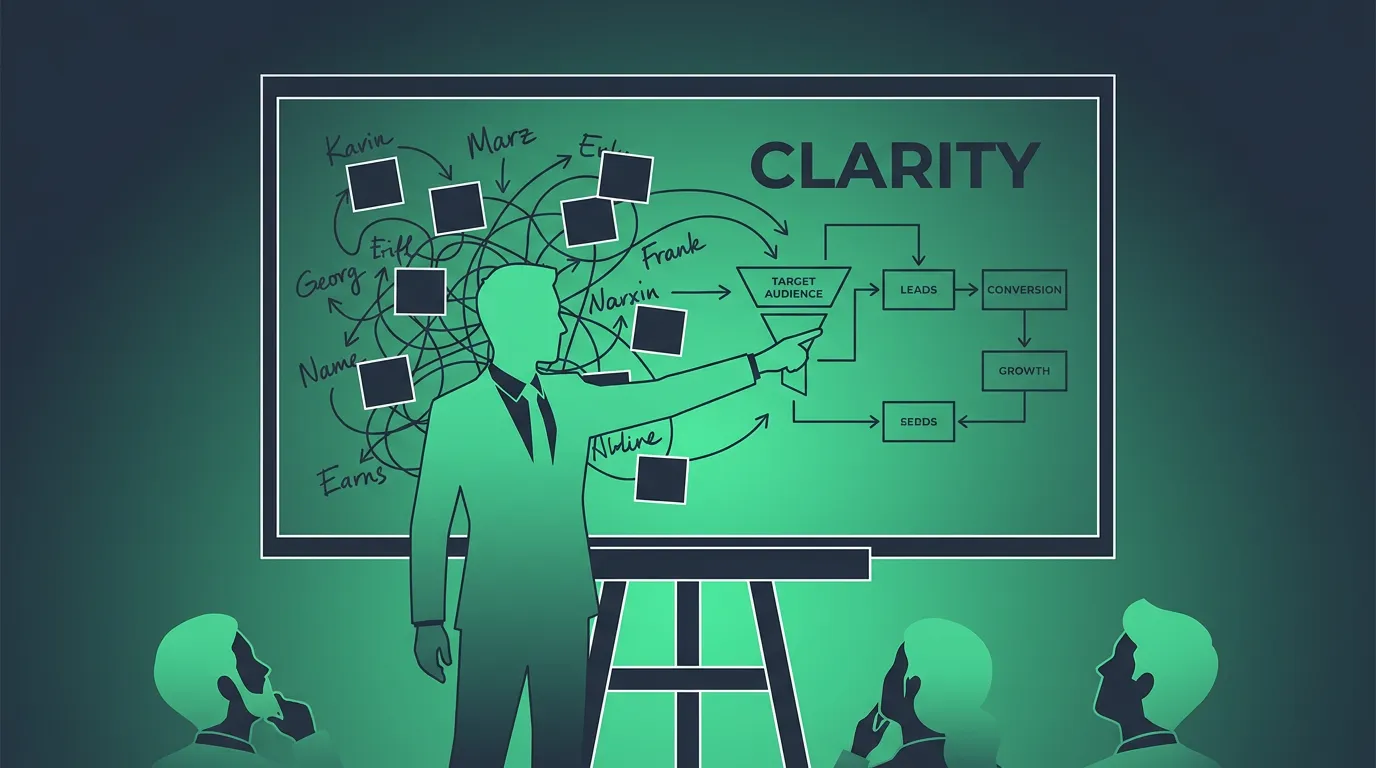
The goal of CRM is simple. No lead should go cold because the one person who remembered it went on vacation, and no customer should have to repeat themselves because sales, marketing and customer support each kept separate notes. A CRM gives the whole business a single view of the customer, which is why it sits at the center of most customer engagement work.
How CRM systems work
A CRM sits between the places leads come from and the people who follow up with them. Lead generation still happens through ads, referrals, social media, your website and phone calls. The CRM’s job starts the moment that lead becomes a record.
Here’s what that looks like in a typical small business. Someone fills out a form on your website. The CRM creates a contact, tags the lead source, and drops a new deal into the first stage of your pipeline. An automated text and email go out within seconds. A sales rep gets a task to call. When the rep calls, the call is logged on the contact’s timeline. If the lead books an appointment, the deal moves to the next stage. If they go quiet for a week, the CRM reminds the rep or starts a nurture sequence.
Every step is recorded against the same contact, so a manager can open the customer profile and see all customer interactions along the customer journey without asking anyone. That’s how a CRM helps businesses manage customer relationships at a scale memory can’t handle.
The four different CRM types
Vendors and analysts usually sort CRM into four types. Most modern CRM platforms blend at least two of them.
Operational CRM automates the day-to-day work that touches customers directly: sales pipelines, marketing automation and customer service and support. It’s what most people mean by “a CRM,” and it’s what gets sold as a sales CRM or a marketing CRM depending on which team buys it.
Analytical CRM turns the CRM data those tools collect into reports and dashboards. It helps you analyze customer data to spot which lead sources produce revenue, which customers are likely to churn, and where deals stall.
Collaborative CRM makes sure sales, marketing and support work from the same customer record instead of three systems that disagree. It covers shared timelines, internal notes and handoffs between teams.
Strategic CRM is the least technical. It’s about using customer history to decide which customers to prioritize and how to build a customer-centric business over the long term.
Essential CRM features
Feature lists vary, but good CRM software covers a common core.
- Contact management: one record per person or company, with custom fields and tags.
- Sales pipeline: deals organized by stage, so you can see what’s open and what’s stuck.
- Communication history: calls, emails, texts and social media messages logged on the contact automatically.
- Automation: follow-up emails and texts, task reminders and lead routing triggered by what a contact does.
- Reporting: dashboards for pipeline value, conversion rates and team activity.
- Integrations and a mobile app: connections to email, calendar, payments and phone, plus mobile CRM access for people working away from a desk.
Today’s CRM software increasingly adds artificial intelligence on top of that core: drafting emails, summarizing calls, scoring leads and suggesting the next step. Those features help, but they depend on the basics being in place. AI can’t analyze customer data that nobody entered.
Benefits of CRM: how a CRM improves customer experience
CRM systems help businesses in four practical ways, and they compound as your customer relationships grow.
The first benefit is fewer lost leads. When every inquiry lands in one system and triggers a follow-up, response times drop and fewer leads fall through the cracks.
The second is a better customer experience. A CRM can improve customer service because whoever picks up the phone can see the full history, so the customer doesn’t have to explain their situation again. That consistency drives customer satisfaction and customer retention.
The third is visibility. A business owner can see pipeline value, which marketing efforts produce customers, and which reps are converting, without building a spreadsheet every Friday.
The fourth is time. Automating routine follow-up, reminders and data entry gives a sales team more hours for actual conversations. That’s the practical case for using a CRM system, even for a small business with only a few hundred contacts.
CRM examples and the best CRM for each kind of business
Salesforce, HubSpot, Microsoft Dynamics 365, Zoho CRM, Pipedrive and GoHighLevel are all CRMs. They store contacts and log activity in broadly the same way. Where they differ is how much they bundle on top.
Salesforce and Dynamics 365 are built for large organizations with complex sales processes. HubSpot covers a wide range, from a free CRM to enterprise tiers, with separate hubs for sales, marketing and service. Pipedrive focuses on a simple, visual sales pipeline. GoHighLevel combines a CRM with funnels, email and SMS marketing, booking calendars and reputation management, and it’s popular with marketing agencies and local service businesses. Our best CRM software hub ranks the options by the situations each one fits.
What is the biggest CRM company?
Salesforce. According to IDC’s software tracker, as reported by Salesforce, it held a 20.7% share of the worldwide CRM market in 2024 and has ranked as the No. 1 CRM provider for 12 consecutive years.
Is Excel a CRM tool?
No. A spreadsheet can hold contact details and even basic pipeline stages, and plenty of very small businesses start there because it’s free and familiar. What a spreadsheet can’t do is log a call the moment it happens, send a text after a missed call, remind a rep to follow up, or give five people the same live view of a customer without someone updating cells by hand. Excel is a general-purpose software tool. A CRM is a system built specifically to manage customer relationships. Most businesses switch after the second or third follow-up that slipped because nobody updated the sheet.
When to start using a CRM system
Without a CRM, most small businesses run on a mix of inboxes, a spreadsheet and memory. That works until it doesn’t. These are the usual signs it’s time to use CRM software:
Leads come in from more than one place (forms, calls, ads, referrals) and some never get a reply. More than one person talks to the same customers, and they don’t know what the others said. You can’t answer “how many deals are open and what are they worth?” without an hour of digging. Follow-ups depend on someone remembering.
If two or more of those sound familiar, a CRM solution will pay for itself in recovered leads. Start with a clear CRM strategy: decide which pipeline stages you need, what counts as a qualified lead, and which follow-ups should be automatic. A custom CRM built from scratch rarely makes sense for a small business when off-the-shelf CRM platforms already cover these basics.
Where the term came from
The idea is older than the acronym, but the term customer relationship management became popular in 1997 through the work of Siebel Systems, Gartner and IBM. Tom Siebel had founded Siebel Systems in 1993 to build sales software, and by the late 1990s the company led what was then called sales force automation, a narrower forerunner of CRM technology. In 1999, Siebel introduced the first mobile CRM app, Siebel Sales Handheld.
That same year, former Oracle executive Marc Benioff founded Salesforce with Parker Harris, Dave Moellenhoff and Frank Dominguez. Salesforce delivered CRM entirely over the web as a subscription instead of software installed on company servers, the model now called cloud CRM. Almost every cloud-based CRM sold today follows that pattern. Salesforce’s “end of software” campaign went as far as hiring actors to hold signs with the slogan outside a Siebel Systems conference. Oracle completed its acquisition of Siebel in January 2006. Salesforce went on to lead the market.
CRM vs marketing automation, ERP and help desk software
CRM gets mixed up with neighboring categories, so it helps to separate them.
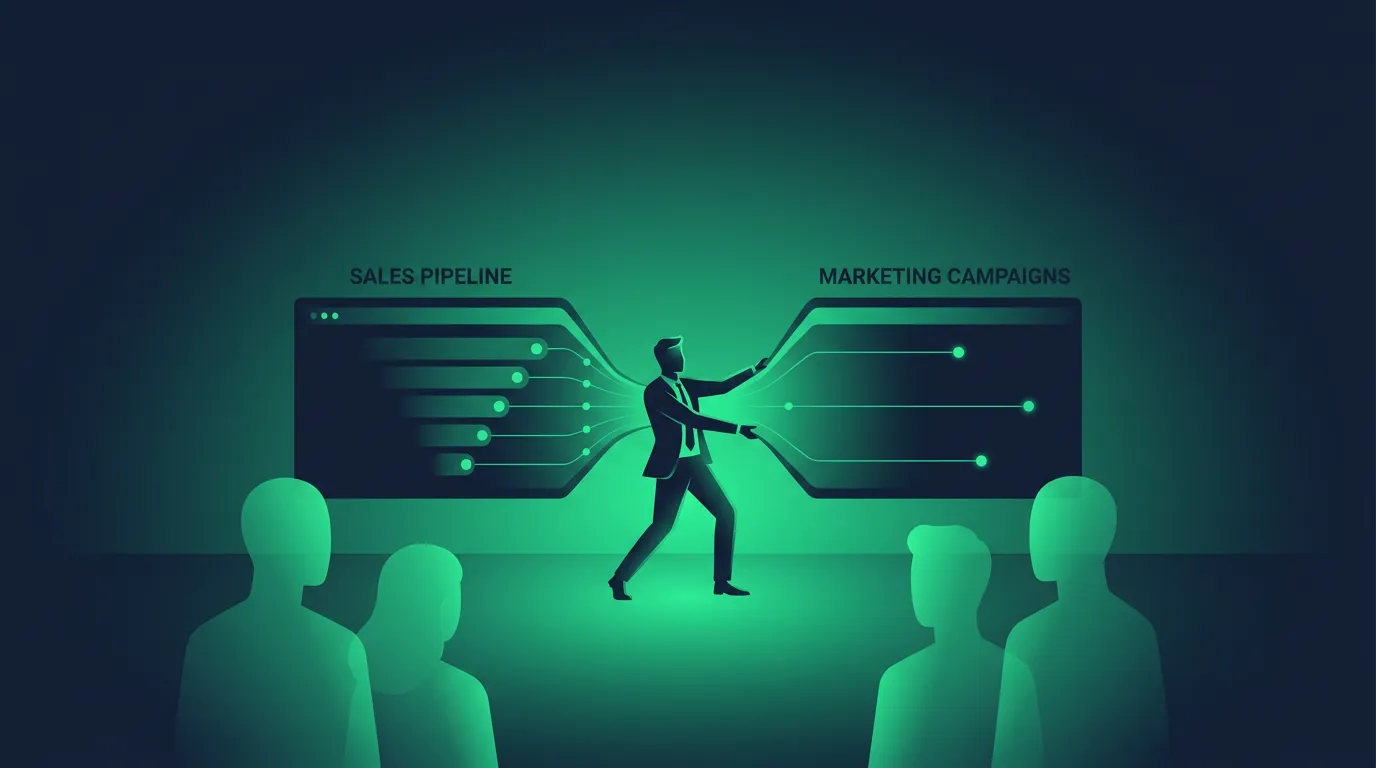
Marketing automation nurtures large lists with scheduled and triggered emails and texts. A CRM records what happens once a contact engages and keeps sales and marketing working from the same data. Many platforms now combine CRM and marketing automation in one product. Our guide to sales and marketing software explains where these categories split and where they’ve merged, and our guide to marketing campaign management software covers planning and measuring campaigns on top of a CRM.
ERP (enterprise resource planning) runs internal operations such as accounting, inventory, procurement and supply chain. A CRM manages the customer-facing side. Large companies often run both.
Help desk software manages support tickets. Some CRMs include a help desk, and some help desks include basic contact records, but a help desk is built around tickets while a CRM is built around the relationship.
What CRM software costs, from free CRM to enterprise
CRM pricing ranges widely because products bundle very different amounts.
At the free end, HubSpot’s Free CRM covers up to 2 users with no time limit, with basic contact and deal tracking. That’s enough for a solo operator getting started. Per-seat CRMs charge for each user, so the bill grows with your team: HubSpot’s Starter tier, for example, costs $20 per seat per month ($15 billed annually).
All-in-one platforms charge a flat fee and include more than the CRM. GoHighLevel’s Starter plan is $97/mo for up to 3 sub-accounts, with unlimited contacts and users, and bundles funnels, email and SMS marketing, booking and reputation tools. Texts, email sends and AI features are billed on usage. Agencies managing many clients use the Unlimited plan at $297/mo or Agency Pro at $497/mo. Our GoHighLevel pricing breakdown covers every tier and usage rate.
Enterprise CRMs like Salesforce and Dynamics 365 are priced per user by edition, and larger rollouts usually add implementation costs. A cheap CRM that your team outgrows in six months can end up costing more than a pricier one that replaces three other tools, so compare the total stack, not the sticker price.
Choosing the right CRM
Start with your business needs, not the feature list. Four questions narrow the field.
How many people will use it? Per-seat pricing gets expensive for big teams. Flat-fee platforms favor teams that keep adding users.
Do you need marketing built in? If you send email and SMS campaigns, a CRM that combines marketing automation saves you a second tool. If you only track deals, a simple sales CRM is enough.
Are you one business or many? Agencies managing several client accounts need multi-account support. Some agencies resell a white-labeled CRM under their own brand, which is why many small businesses use a CRM that never shows the vendor’s name. Our explainer on what white label means covers how that works.
Will your team actually use it? A CRM only helps if someone opens it every day. A customer relationship management system nobody logs into is an expensive contact list. Pick the one your team finds easiest during a trial, because strong customer relationships depend on the record being kept up to date.
CRM implementation and training
CRM implementation ranges from an afternoon of self-serve setup on a small platform to a multi-week project with a consultant on an enterprise system. Plan for importing and cleaning contacts, building your pipeline stages, setting up the first automations, and connecting email, calendar and phone.
Budget CRM training separately from the software. Even easy platforms take a few weeks before a team uses them consistently. GoHighLevel users commonly report several weeks to set up and a couple of months to become proficient, which is normal for a platform that replaces several tools at once.
Most CRMs offer a free trial. GoHighLevel’s runs 14 days with a card on file, which is enough to load real contacts, run one automation end to end, and judge whether it fits how your sales team works. Our GoHighLevel review covers how its CRM holds up in day-to-day use.
Trends in CRM
The main trend in CRM is AI built into the software system itself: call summaries, drafted replies, predictive lead scoring and AI agents that answer chats and calls. The second is consolidation, with CRM, marketing, messaging and payments moving into single platforms instead of separate tools. The core job hasn’t changed since Siebel and Salesforce competed for it in 1999: keep one accurate record of every customer, and make sure someone follows up.